
q5play Progress Report: October 2025
New q5 WebGPU docs with a new way to write WebGPU sketches inside JavaScript modules in q5 v3.5

q5play (p5play v4) will be different from p5play v3 in five important ways:
New Graphics Renderer: Canvas2D → WebGPU
New Physics Simulator: Box2D v2 → Box2D v3
New Color Mode: Integer (0-255) RGB → Float (0-1) HDR RGB
New Sketch Format: Preload & Setup → Top-Level
New Script Type: Classic Scripting → ESM (JS Modules)
Sounds scary? Too many big changes?! Fear not, I can explain!
In previous articles, you’ve seen why q5play will use WebGPU and Box2D v3: for ~10x better performance!
Then for the q5 v3 release, I shared a video demo and documentation that uses q5’s new top-level global mode, mostly with the Canvas2D renderer and classic script format.
q5.js v3.5
Yet, I wasn’t happy with how it worked with WebGPU in ESM, so I’ve made some big improvements in q5 v3.5.
Here’s an example of a p5 v1 sketch…
let c;

function setup() {
  createCanvas(400, 400);

  c = color(0, 255, 255, 50);
}

function draw() {
  fill(c);
  circle(mouseX, mouseY, 50);
}
…converted to the new q5 WebGPU + ESM format!
await createCanvas(400);

let c = color(0, 1, 1, 0.2);

Q5.draw = function () {
  fill(c);
  circle(mouseX, mouseY, 50);
}
Note! q5 WebGPU is now the default renderer when q5.js is loaded as a module.
Writing sketches in a module enables the use of top-level `await` (outside of an async function). It’s necessary to wait for the creation of a WebGPU canvas with `await createCanvas()`.
Since JavaScript modules exist in their own scope, functions created inside these files are not visible to Q5 (which is how it starts the sketch). Bummer!
But, thanks to Dave Pragurek’s advice, defining q5 functions in an ESM is now simpler. Instead of needing a reference to the global instance of `Q5`, you can now set functions on `Q5` itself. Genius!
The main benefits of top-level scripting? You can declare and define variables on the same top-level line, since you can use q5 functions outside of a setup function. As a bonus, this enables code editors to give auto-complete and hover documentation in JS without having to declare the type of a variable in a JSDoc comment. That’s a huge selling point for me, since it enables beginners to learn what’s available in the q5 and q5play APIs, right within their code editor!
New q5 WebGPU Documentation
I’m writing new documentation that will just use q5 WebGPU, since I realized that mixing Canvas2D + classic scripts and WebGPU + ESM was confusing.
I’m sharing this now as a work in progress:
https://q5js.org/learn/?webgpu
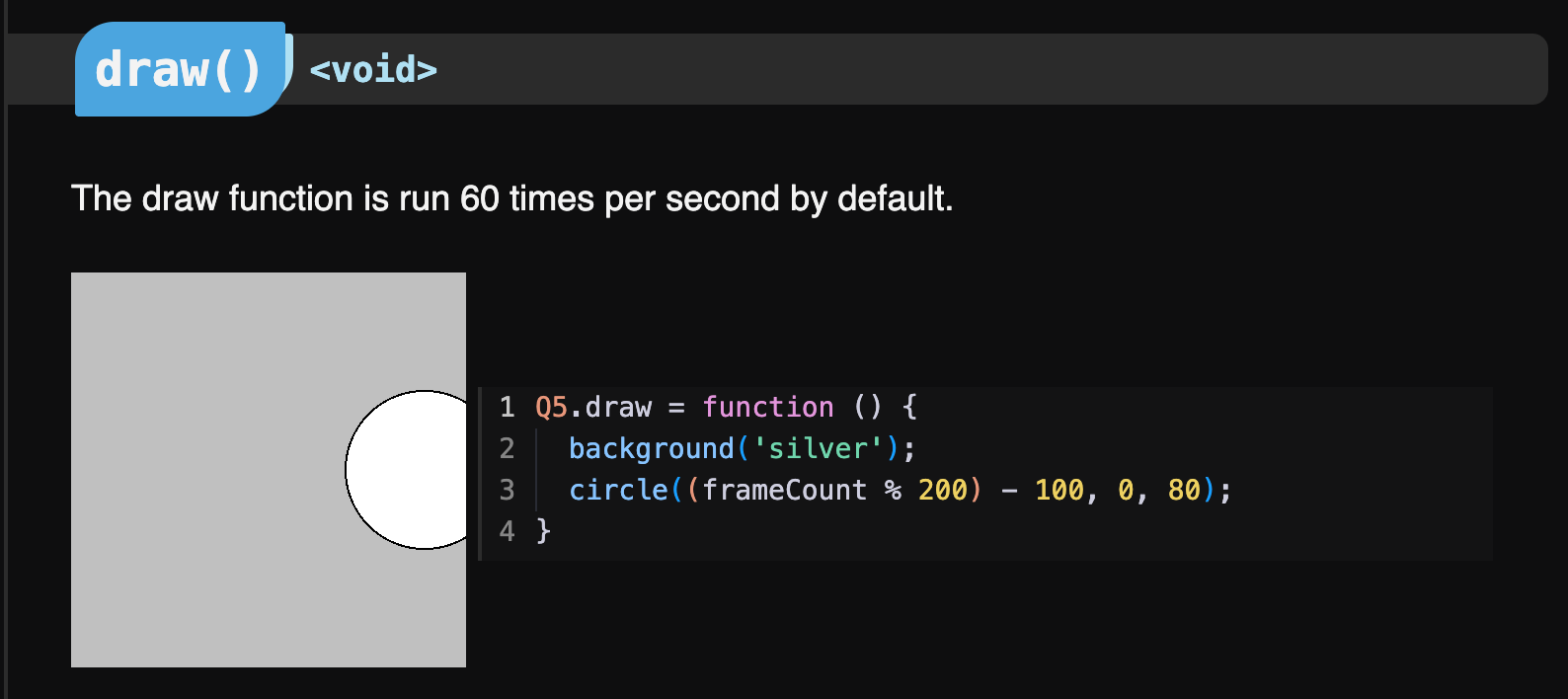
These will be the default docs in the future and there will be a toggle to switch to the Canvas2D + classic scripting docs.
Also note that in the past, q5’s WebGPU renderer incurred some major JS garbage collection, which may have lead to underwhelming performance on some devices. These issues have now been resolved!